
Optimización de imágenes de listados de Amazon: qué convierte y cómo la IA lo genera
Las imágenes de listados de Amazon son el principal mecanismo de conversión en la plataforma: determinan la tasa de clics en la búsqueda, la confianza de compra en el listado y la tasa de retorno después de la entrega. La generación de IA puede producir imágenes optimizadas para la conversión de Amazon, pero sólo cuando se construyen en torno a lo que realmente responden los compradores de Amazon.
Clyero Team
Producto y crecimiento
March 22, 2026
Updated April 4, 2026
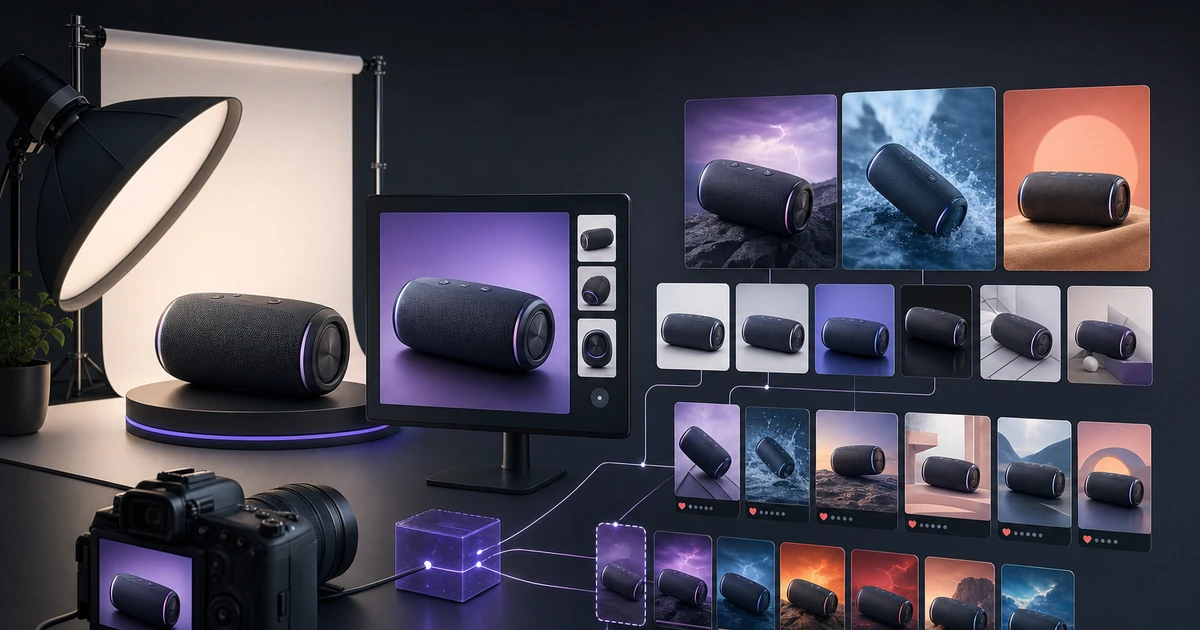
La estrategia de imágenes de listado de Amazon es más específica de lo que la mayoría de los vendedores creen. La plataforma tiene requisitos rígidos para la imagen principal, mejores prácticas definidas para imágenes secundarias y datos de comportamiento sobre lo que se convierte en distintas categorías de productos. Obtener las imágenes correctas de los listados no se trata solo de cumplimiento técnico: se trata de comprender el proceso de toma de decisiones visual de los compradores de Amazon.
El marco de conversión de siete imágenes
Cada listado de Amazon debe construirse en torno a una narrativa definida que las imágenes cuenten en secuencia. Aquí está la estructura óptima para una lista de 7 imágenes:
Imagen 1: Imagen principal del producto: fondo blanco puro, el producto ocupa el 85% del marco, color preciso, producto completo visible. Esta imagen determina su tasa de clics en los resultados de búsqueda. Compite contra decenas de alternativas en la página de búsqueda.
Imagen 2 — Ángulo secundario: El producto desde una perspectiva diferente que revela algo que la imagen principal no puede. Para productos empaquetados: detalle en el reverso del paquete. Para electrónica: detalle de puerto/conector. Para artículos del hogar: vista inferior o mecanismo.
Imagen 3: Estilo de vida en uso: El producto utilizado en el contexto correcto. Esta es la imagen más importante para la confianza en la compra. Responde: "¿Esto funcionará para mí en mi vida?"
Imagen 4: referencia de escala: el producto se muestra con una referencia de tamaño familiar: una mano que lo sostiene, un artículo doméstico común al lado, un contexto de habitación con dimensiones estándar visibles. La incertidumbre de escala es una de las principales razones de las rentabilidades.
Imagen 5: Infografía de leyendas de funciones: una imagen limpia del producto con leyendas de texto que señalan las características clave. De 3 a 5 notas como máximo. Esta imagen comunica lo que dicen las viñetas, pero visualmente: las investigaciones muestran que los compradores procesan imágenes infográficas más rápido de lo que leen las viñetas.
Imagen 6 — Contenido y embalaje: Lo que recibe el comprador. Contenido del envío en posición horizontal, accesorios incluidos, tarjeta de garantía o documentación visible. Esta imagen reduce directamente las devoluciones "no como se describe".
Imagen 7: Cuadro comparativo o de variantes: si el producto viene en varios tamaños, colores o variantes, una comparación visual ayuda a los compradores a elegir la opción correcta en una sola vista.
Generación de imágenes optimizadas para Amazon con IA
Generación de imagen principal
La imagen principal tiene los requisitos técnicos más específicos:
- Fondo blanco puro (RGB 255.255.255: sin sombras ni degradados)
- El producto ocupa al menos el 85% del área de la imagen.
- Sin texto, logotipos, marcas de agua ni gráficos.
- No se permiten elementos de estilo de vida, accesorios ni productos múltiples (a menos que se vendan como un conjunto)
La generación de IA para las imágenes principales funciona mejor cuando tienes una foto de referencia limpia del producto. La tarea de generación es: renderizar el producto sobre un fondo blanco perfecto con iluminación uniforme de estudio. Se necesitan varias generaciones para lograr la precisión del color y la pureza del fondo. Se espera el posprocesamiento (eliminación de fondo, corrección de color) de las imágenes principales generadas por IA.
Generación de imágenes infográficas
Las imágenes de listados infográficos se encuentran entre los activos de mayor valor que puede agregar a un listado de Amazon. Combinan una imagen de producto con leyendas de texto, anotaciones de medidas o características destacadas.
La generación de IA produce el componente de imagen del producto; El diseño de la leyenda se agrega en el posprocesamiento utilizando una herramienta de diseño simple. La tarea de generación: producto sobre un fondo claro o blanquecino, un ángulo específico que hace visibles los puntos destacados, un generoso espacio circundante para la colocación del texto.
Generación de imágenes de estilo de vida
Para las imágenes de estilo de vida de Amazon (imágenes 3 y, a veces, 4), los requisitos son menos restrictivos. Se permiten superposiciones de texto en imágenes secundarias. Los contextos de estilo de vida deben ser específicos del caso de uso principal del producto, no imágenes genéricas "aspiracionales".
Las indicaciones efectivas sobre imágenes de estilo de vida de Amazon son específicas del producto: para un cuchillo de cocina, especifique una superficie de tabla de cortar con verduras, iluminación natural de la cocina y un ligero desenfoque de movimiento en la acción de corte. Para una estera de yoga, especifique un entorno de césped al aire libre, luz de la mañana, estera desplegada con detalle de esquina visible.
Prioridades de conversión específicas de categorías
Las diferentes categorías de productos tienen diferentes prioridades de conversión de imágenes:
Electrónica: La claridad técnica es lo primero. Los compradores necesitan ver claramente los puertos, las dimensiones y las interfaces. Las leyendas infográficas y los cuadros comparativos son de gran valor. Lifestyle muestra el producto en un espacio de trabajo real o en una configuración doméstica.
Artículos para el hogar: Estilo de vida primero. La imagen contextual de la habitación como la imagen 3 es fundamental. La referencia de escala es esencial porque las dimensiones son difíciles de juzgar. Primer plano de textura de material para muebles y textiles.
Ropa: Multiángulo en modelo o maniquí. Tabla de tallas como imagen dedicada. Detalle de textura de tela. Etiqueta de cuidado (si corresponde). La precisión del color es fundamental: las devoluciones por "color incorrecto" se encuentran entre las más altas en prendas de vestir.
Belleza: Infografía de ingrediente o beneficio de alto valor. Antes/durante/después del contexto cuando sea relevante. Imagen de textura y aplicación para cremas y aceites. Detalle del embalaje para un atractivo regalo.
Artículos deportivos: estilo de vida activo en uso, referencia de escala y ajuste, descripción de características para especificaciones técnicas, cuadro comparativo si el producto tiene múltiples configuraciones.
Uso de IA para actualizar imágenes de listados heredados
La mayoría de los vendedores establecidos de Amazon tienen imágenes de listados que se crearon hace entre 2 y 4 años y ya no reflejan las mejores prácticas actuales. La generación de IA hace factible la actualización sistemática de imágenes de listados:
- Audite sus 20 listados de ingresos principales y califique sus conjuntos de imágenes en comparación con el marco de 7 imágenes.
- Identifique la mejora de mayor impacto para cada uno (más comúnmente: infografía faltante, estilo de vida de baja calidad, sin referencia de escala)
- Genere los tipos de imágenes que faltan para cada listado.
- Pruebe A/B el listado actualizado con el original (prueba dividida utilizando la herramienta Administrar sus experimentos de Amazon si el Registro de marcas es elegible)
Actualizar las imágenes de listado de sus 20 productos principales es una de las mejoras de mayor retorno de la inversión disponibles para los vendedores establecidos de Amazon porque mejora tanto la tasa de conversión como el ranking orgánico simultáneamente.
Related Clyero workflows
Continue with practical workflows for product visuals, video, ad creative, and marketplace content.
Frequently Asked Questions
¿Cuántas imágenes debe tener un listado de Amazon?
¿La imagen principal en Amazon afecta el ranking de búsqueda?
¿Qué hace que una imagen principal de Amazon tenga una alta conversión?
Try it free
Build your first AI content pipeline
Turn one product photo into a full content system — images, videos, captions, and posts — in minutes.
Start for freeClyero Team
Producto y crecimiento
Writing about AI content creation, e-commerce automation, and the future of brand storytelling at Clyero.
Related Articles
Cómo crear contenido de Amazon A+ con IA: especificaciones, flujo de trabajo y qué esperar
Amazon A+ Content convierte a los navegadores en compradores reemplazando la descripción predeterminada del producto con una narración visual de marca. La generación de IA puede producir la mayoría de los activos de contenido A+ (imágenes de estilo de vida, gráficos comparativos, descripciones de características) a partir de una única referencia de producto en horas en lugar de días.
February 5, 2026
Cómo crear contenido de Amazon A+ con IA: especificaciones, flujo de trabajo y qué esperar
Amazon A+ Content convierte a los navegadores en compradores reemplazando la descripción predeterminada del producto con una narración visual de marca. La generación de IA puede producir la mayoría de los activos de contenido A+ (imágenes de estilo de vida, gráficos comparativos, descripciones de características) a partir de una única referencia de producto en horas en lugar de días.
February 5, 2026