
AI Video Generation for Social Media: The Complete Playbook
Short-form video drives 80% of social media engagement but takes 4–8 hours to produce manually per clip. AI video generation tools have compressed this to under 10 minutes per video. Here is the complete platform-by-platform strategy for 2025.
Clyero Team
Product & Growth
December 20, 2025
Updated April 4, 2026
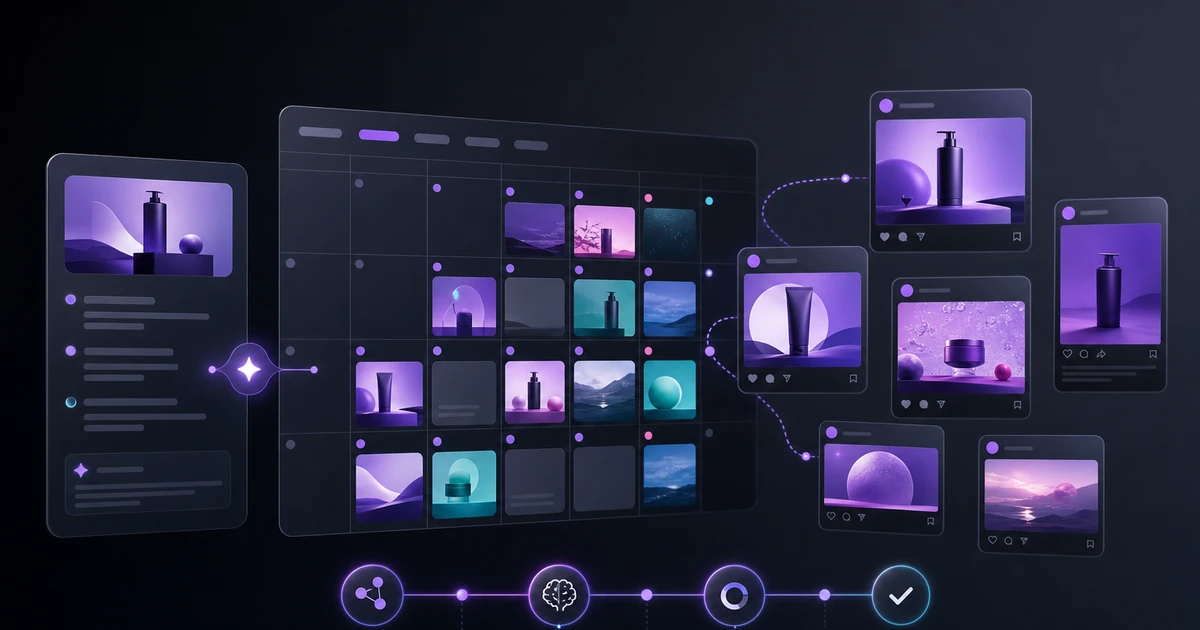
The State of Social Video in 2025
Video content now accounts for 82% of all internet traffic (Cisco, 2024) and drives engagement rates 3–5x higher than static images across every major social platform. The barrier has never been higher — but the production cost has never been lower.
AI video generation has crossed a quality threshold in 2025 where model outputs are indistinguishable from filmed content for most social media use cases: product showcases, lifestyle clips, brand stories, and explainer animations.
The tools that made video unaffordable for smaller brands — production crews, equipment, editing suites, talent — are now optional.
What AI Can Generate Today
Modern AI video generation falls into three categories:
Text-to-video: Generate a video clip from a text prompt. Best for abstract visuals, product concepts, and atmospheric brand content. Google Veo 2 and Runway Gen-3 lead this category.
Image-to-video: Animate a static image — adding motion, zoom, parallax, or physics-based movement. Best for product photography. MiniMax Hailuo 2.3 and Kling 1.6 excel here.
Video-to-video: Transform an existing video clip — style transfer, upscaling, background removal, motion enhancement. Best for repurposing existing footage.
For most e-commerce and DTC brands, image-to-video is the highest-ROI entry point because it builds directly on existing product photography assets.
Platform-by-Platform Video Strategy
Instagram Reels
Optimal specs: 9:16, 1080×1920px, 15–30 seconds, no audio required for product content.
What works: Smooth product reveals with subtle camera motion. Image-to-video of your hero product with a slow zoom and parallax background. Add a text overlay with your key benefit and a CTA in the last 3 seconds.
Clyero workflow: Take your best product image → run through Hailuo image-to-video node → add text overlay in canvas → export to 9:16.
TikTok
Optimal specs: 9:16, 15–60 seconds, trending audio significantly impacts reach.
What works: Before/after product demonstrations, product-in-use scenarios, rapid cuts between product variants. TikTok's algorithm rewards high watch-through rates, so the first 2 seconds must capture attention immediately.
Clyero workflow: Use text-to-video (Veo 2) with a cinematic product brief → generate 5–6 clips → string them together in the video composer → add trending audio track.
Optimal specs: 16:9 or 1:1, 30–90 seconds, with or without audio (most LinkedIn video is watched silent).
What works: Data visualizations, explainer content, behind-the-scenes brand content. LinkedIn video performs best when it educates rather than sells.
Clyero workflow: Generate abstract visualization clips matching your presentation data → combine with text overlays → export at 1080p.
Optimal specs: 9:16 or 2:3, 6–15 seconds, loopable preferred.
What works: Product lifestyle videos, DIY-adjacent demonstrations, aspirational brand content. Pinterest video drives purchase intent — focus on showing the product in a desirable context.
Clyero workflow: Image-to-video with lifestyle product image → smooth motion → loop the clip → export at 2:3 for feed placement.
Building a Video Production System
A consistent video presence requires a system, not one-off production. Here is the sustainable structure:
Weekly cadence
Monday: Define 3 video briefs for the week
Tuesday: Generate all assets (runs in parallel, ~15 min)
Wednesday: Review, light edit, caption writing
Thursday–Friday: Scheduled publishing
Asset library approach
Rather than generating one-off videos, build a library of 20–30 reusable base clips — product in different environments, brand aesthetic clips, seasonal backgrounds. These become building blocks you remix with different text overlays and CTAs each week.
Generating the base library takes 2–3 hours once. Ongoing production from the library takes 20–30 minutes per week.
Quality vs. Speed: Finding the Right Balance
Not all content needs to be high-quality. A useful mental model:
| Content type | Quality requirement | AI generation time |
|---|---|---|
| Hero campaign video | High | 10–20 min |
| Weekly product feature | Medium | 3–8 min |
| Story/daily content | Low–medium | 1–3 min |
| Ad creative test variants | Medium | 5–10 min |
For high-quality campaign videos, spend the extra time on detailed prompts and model selection. For daily Stories content, use faster models at lower resolution.
Clyero's model routing automatically selects the appropriate model based on your quality and speed settings — you set the preference once and the system routes accordingly.
Getting Started: Your First AI Video This Week
The fastest path to your first AI video:
- Pick your best-performing static product image
- Run it through Clyero's image-to-video node with a "slow product reveal, cinematic" style
- Add a one-line text overlay with your main benefit
- Export to 9:16 and publish as a Reel or TikTok
Total time: under 15 minutes. This single test will tell you whether the output quality meets your brand standards — and for most brands, it does.
Related Clyero workflows
Continue with practical workflows for product visuals, video, ad creative, and marketplace content.
Frequently Asked Questions
What is the best AI video generator for social media in 2025?
How long does AI video generation take?
Can AI-generated videos be used on TikTok without disclosure?
What resolution and aspect ratio should AI videos be generated at?
Try it free
Build your first AI content pipeline
Turn one product photo into a full content system — images, videos, captions, and posts — in minutes.
Start for freeClyero Team
Product & Growth
Writing about AI content creation, e-commerce automation, and the future of brand storytelling at Clyero.
Related Articles
Generating Reels and TikTok Content from Product Images Using AI
Instagram Reels and TikTok are the highest-reach organic channels available to ecommerce brands — and both are video-first. AI image-to-video generation lets product brands create short-form video content from static product photos without filming, editing, or a video team.
March 8, 2026
Generating Reels and TikTok Content from Product Images Using AI
Instagram Reels and TikTok are the highest-reach organic channels available to ecommerce brands — and both are video-first. AI image-to-video generation lets product brands create short-form video content from static product photos without filming, editing, or a video team.
March 8, 2026
AI Social Media Content Generator with Scheduling and Publishing
A complete AI social media content generator should create visuals, videos, captions, hashtags, platform formats, and scheduled posts from one workflow.
January 18, 2026