
One Product Shoot, 60 Content Assets: The Repurposing Workflow
Most ecommerce brands generate far less content from each product shoot than the raw material allows. A structured AI repurposing workflow extracts maximum asset volume from every product image — turning one photograph into 60 production-ready content pieces across formats, platforms, and channels.
Clyero Team
Product & Growth
February 20, 2026
Updated April 4, 2026
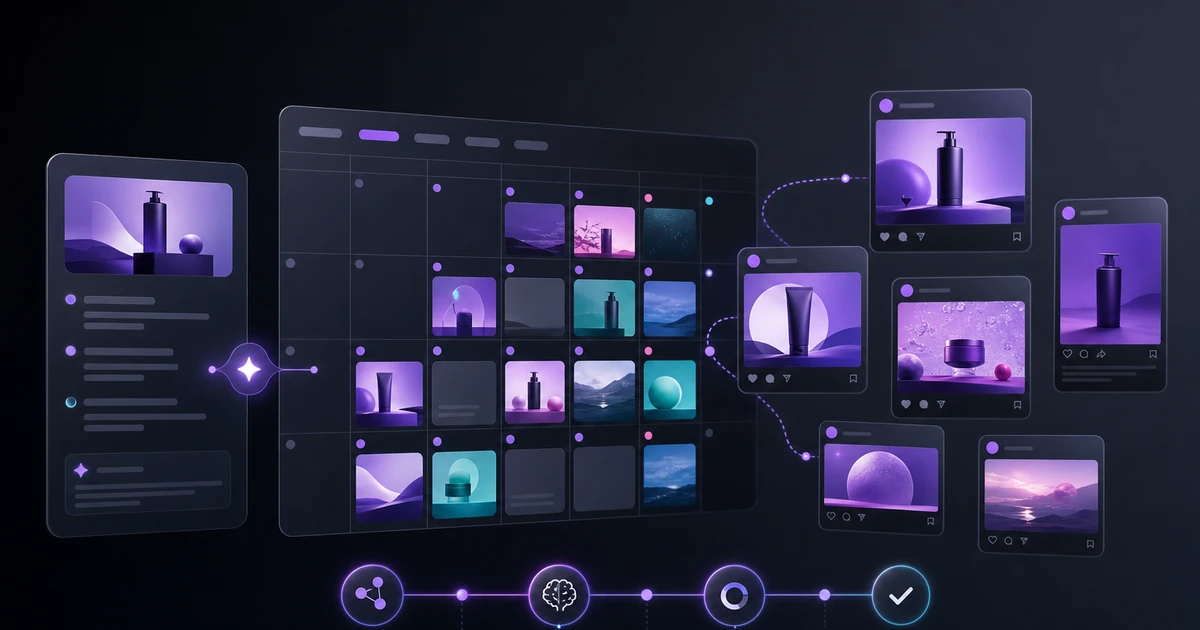
A professional product photograph contains enough raw creative material to supply 60 days of multi-platform content — but extracting that value requires a systematic repurposing pipeline, not an ad hoc series of edits. Most brands leave the vast majority of this value unrealized because they lack the production system to capture it.
The Asset Multiplication Framework
Content repurposing for ecommerce works in three layers of transformation:
Layer 1 — Scene transformation: Take the original product image and generate multiple lifestyle and context variants. A single candle photo becomes: living room lifestyle, outdoor evening, holiday context, minimal desk setup, botanical flat lay. That is 5 distinct visual starting points from one source.
Layer 2 — Format transformation: Take each scene variant and generate all platform-specific crops and formats. Each scene generates: 1:1 square, 4:5 portrait, 9:16 vertical, 16:9 landscape, 2:3 Pinterest — 5 static formats. Add one 15-second video clip per scene: 5 videos.
Layer 3 — Copy transformation: Each distinct visual asset generates platform-specific copy: Instagram caption with hashtags, Pinterest description, LinkedIn post, Twitter/X post, email subject line. 10 visual variants × 5 copy pieces = 50 copy assets, though many will be reused across formats.
Adding these up: 5 scenes × 5 formats = 25 static images. 5 scenes × 5 format variants + video = 50 visual assets. 50 visual assets × varied copy = 60+ publishable content pieces.
The Exact Repurposing Pipeline
Input: one clean product photograph
Start with the best single product image you have for this SKU. Background can be white or lifestyle — either works as a generation anchor.
Step 1: Scene diversification (5 scenes)
Define 5 distinct scene/lifestyle contexts appropriate for your product category. Write a specific brief for each scene:
- Scene A: Primary lifestyle use context (product in its natural environment)
- Scene B: Aspirational lifestyle (elevated context, premium feel)
- Scene C: Seasonal or campaign context (current promotion or time of year)
- Scene D: Gift/occasion context (gift box, occasion setting)
- Scene E: Minimalist/brand focus (clean background, brand-forward)
Generate all 5 in parallel. Review and approve 3–5 for the production batch.
Step 2: Format multiplication (5 formats × 5 scenes = 25 images)
Run each approved scene through format generation:
- 1:1 (Instagram feed, Facebook, Pinterest square)
- 4:5 (Instagram optimized feed)
- 9:16 (Stories, Reels background)
- 2:3 (Pinterest portrait)
- 16:9 (YouTube thumbnail, LinkedIn landscape, Twitter/X)
This produces 25 static images — all platform-ready, all sourced from one product photo.
Step 3: Video generation (5 scenes × 2 formats = 10 videos)
Generate a 15-second product video from each approved scene:
- 9:16 vertical (Stories/Reels/TikTok)
- 4:5 vertical (Instagram and Facebook feed video)
This adds 10 video assets, bringing the total to 35 video + static visual pieces.
Step 4: Copy generation (35 visuals × 2 copy variants ≈ 20–25 unique copy pieces)
Many visuals share copy — the same Instagram caption works across multiple aspect ratio variants of the same scene. Write/generate:
- 5 × Instagram captions (one per scene, with hashtags)
- 5 × Pinterest descriptions (SEO-keyword rich)
- 3 × LinkedIn posts (professional context, no hashtags)
- 5 × short Twitter/X posts
- 3 × email subject lines for campaign sends
- 1 × product description update (if content reveals new angles)
Total copy pieces: ~22 distinct items, covering all channels.
Full asset count
| Asset type | Count |
|---|---|
| Static images (all formats) | 25 |
| Video clips | 10 |
| Instagram captions | 5 |
| Pinterest descriptions | 5 |
| LinkedIn posts | 3 |
| Twitter/X posts | 5 |
| Email subject lines | 3 |
| Product copy updates | 1 |
| Total | 57–62 |
Publishing Calendar Integration
60 assets need a publishing system or they accumulate as unused files. Map the generated assets to a 30-day content calendar:
- Day 1–3: Product launch (Scene A across all platforms)
- Week 2: Scene B and Scene C content, distributed by platform
- Week 3: Video content week — push all 10 videos across Reels, TikTok, Stories
- Week 4: Scene D and Scene E, replenish any high-performing content types
This extends a single product shoot into a full month of multi-platform content without additional production work.
Related Clyero workflows
Continue with practical workflows for product visuals, video, ad creative, and marketplace content.
Frequently Asked Questions
What does content repurposing mean for ecommerce?
How is 60 assets from one photo mathematically possible?
Try it free
Build your first AI content pipeline
Turn one product photo into a full content system — images, videos, captions, and posts — in minutes.
Start for freeClyero Team
Product & Growth
Writing about AI content creation, e-commerce automation, and the future of brand storytelling at Clyero.
Related Articles
How to Generate 30+ Social Media Assets from One Product Image
One product photo contains everything you need to produce a complete month of multi-platform social content. The workflow is a pipeline, not a sequence of individual tasks — and the output volume is dramatically higher than most content teams expect.
January 8, 2026
How to Generate 30+ Social Media Assets from One Product Image
One product photo contains everything you need to produce a complete month of multi-platform social content. The workflow is a pipeline, not a sequence of individual tasks — and the output volume is dramatically higher than most content teams expect.
January 8, 2026
The AI Content Pipeline: Generate a Month of Social Media in One Hour
Manual social media content creation is the largest time bottleneck for scaling brands. A properly structured AI content pipeline eliminates this bottleneck entirely — producing a full month of platform-specific, on-brand content from a single brief.
December 3, 2025